
AgriSmart’s task management tools make it easy to assign, track, and complete work across your farm. From seasonal harvests to daily maintenance, you can monitor progress in real time, allocate responsibilities to the right team members, and ensure nothing is missed. Keep your workflow organised, your team aligned, and every task visible in one central dashboard.
Salary Sacrifice Calculator
Hiring someone or reviewing an agreed pay package? Use this calculator to see how the total package splits between gross pay and employer KiwiSaver, before PAYE, ESCT and other deductions. Include taxable accommodation and eligible pay-as-you-go holiday pay where they form part of the package.
- Start with the total package or gross pay
- Set employer KiwiSaver at 3.5% or another agreed rate
- Include taxable accommodation and eligible pay-as-you-go holiday pay
- Compare annual, monthly, fortnightly and weekly figures
Free to use, no sign-up.
Last reviewed: September 2026. Based on the KiwiSaver Act 2006, section 101B. Default employer contribution 3.5% from 1 April 2026.

AgriSmart Salary Sacrifice Calculator
Estimate how an agreed pay package splits between gross pay and the employer KiwiSaver contribution. Include accommodation and eligible pay-as-you-go holiday pay where they form part of the package. Figures are before tax and deductions.
a year
hours
Gross pay before tax and deductions
$96,618.36
How it's calculated
The formula
An estimate only. Assumes 52 weeks a year. Employer KiwiSaver is before ESCT; take-home pay, PAYE and other deductions are not calculated.
What this looks like for a real employee
A salaried employee with KiwiSaver included
A farm manager is offered $100,000 a year including the employer KiwiSaver contribution, paid weekly.
| Total package | $100,000.00 |
| Taxable salary | $96,618.36 |
| Employer KiwiSaver | $3,381.64 |
| Weekly gross | $1,858.05 |
| KiwiSaver each week | $65.03 |
OutcomeEnter $100,000 as the salary in AgriSmart and add the 3.5% before-tax deduction. The employee is taxed on $96,618.36 and $3,381.64 goes to their KiwiSaver.
An hourly employee with KiwiSaver included
An orchard worker is offered $30.00 an hour including the employer KiwiSaver contribution, working 40 hours a week.
| Rate offered | $30.00 an hour |
| Taxable rate | $28.99 an hour |
| Weekly gross at 40 hours | $1,159.42 |
| KiwiSaver each week | $40.58 |
| KiwiSaver over a year | $2,110.14 |
OutcomeEnter $30.00 as the hourly rate and add the 3.5% deduction. Because it applies to every pay run, the amounts move with the hours worked, so a short week recalculates on its own.
A salaried employee with accommodation and KiwiSaver included
A farm assistant is offered $85,000 a year including the employer KiwiSaver contribution and accommodation valued at $250 a week.
| Total package | $85,000.00 |
| Accommodation, $250 a week | $13,000.00 |
| Package excluding accommodation | $72,000.00 |
| Cash earnings before tax and deductions | $69,565.22 |
| Taxable salary | $82,565.22 |
| Employer KiwiSaver | $2,434.78 |
OutcomeThe $85,000 splits three ways: $69,565.22 in cash, $13,000 in accommodation and $2,434.78 in KiwiSaver. Accommodation comes out before the KiwiSaver calculation, so the contribution is worked out on the cash portion only.
A fixed-term employee on holiday pay as you go
A seasonal farm assistant has a nine-month fixed-term agreement at an annualised $70,000 package, including employer KiwiSaver and 8% pay-as-you-go holiday pay.
| Total package | $70,000.00 |
| Taxable salary, $70,000.00 ÷ 1.035 | $67,632.85 |
| Base salary, $67,632.85 ÷ 1.08 | $62,623.01 |
| Holiday pay, 8% | $5,009.84 |
| Employer KiwiSaver | $2,367.15 |
OutcomeThe $70,000 annualised package splits into $67,632.85 of taxable salary and $2,367.15 of employer KiwiSaver before ESCT. The 8% holiday pay sits inside the salary, so KiwiSaver is calculated on the full $67,632.85. Actual amounts over the nine-month contract depend on the period worked.
Getting the agreement right
This only works where it has been agreed. Section 101B of the KiwiSaver Act 2006 allows the employer contribution to sit inside a single total figure, but only where that was negotiated in good faith and the terms of the employment agreement account for the amount of the compulsory contribution.
It has to be in the employment agreementNot a verbal understanding, and not just a payroll setting. The agreement needs to state that the figure includes the employer KiwiSaver contribution, and be clear enough that the employee can see what their cash pay actually is.
You cannot move existing staff onto it on your ownPutting someone already employed onto a total remuneration basis changes their terms and needs their agreement. It cannot be backdated.
Decide up front what happens if they stop contributingIf an employee takes a savings suspension or opts out, the compulsory employer contribution stops with it. Your agreement should say whether their cash pay rises to match. Settling that at signing avoids an argument later.
Accommodation needs its own written consentWhere rent is deducted from wages, the Wages Protection Act 1983 requires the employee's written consent to the deduction, and they can vary or withdraw that consent in writing. An accommodation agreement should sit alongside the employment agreement.
This is a summary, not legal advice. Have your employment agreement wording checked before you rely on it.
Setting it up in AgriSmart
Once the package is agreed, the setup takes a couple of minutes. AgriSmart works out the split on every pay run and shows it on the payslip, so it stays correct when hours change.
| 01 | Open the employee in Team ManagerHover over Setup, click Team Manager, then click the employee's name to open their profile. |
| 02 | Enter the full package as their payOn the Employment Details tab, enter the salary or hourly rate including the employer KiwiSaver contribution. For a $100,000 package, enter $100,000. Do not enter the reduced figure, AgriSmart works that out for you. |
| 03 | Add a new deductionClick the Payroll tab, scroll to Other Deductions, and click the plus icon. |
| 04 | Set it as a before-tax percentageTick Before Tax. Set Deduction Type to Percent Per Pay Period and enter 3.5. Choose the Salary Sacrifice category and give it a description the employee will understand on their payslip, such as KiwiSaver Employer Contribution. |
| 05 | Set the start date and saveUse the employment start date, or the date the employee opted into KiwiSaver, then click Save. |
- Payroll
- Timesheets
- Ticketing & Traceability
- Digital Hiring
- Rosters
- Human Resources
- Task Management
- Spray Diary
- Equipment Register

Timesheets
Staff record time effortlessly with our iOS and Android app, even offline. For added flexibility, hours can be entered manually or through biometric devices in the shed. Every entry flows into payroll and rosters, giving you accurate pay runs, better scheduling, and a clear record of hours worked.
Need More Info?

Ticketing & Traceability
Purpose-built for horticulture, our bin ticketing system brings accuracy and control to your harvest. Track every bin from block to shed with full visibility over quantities, picker performance, and bin movements. Improve harvest efficiency, reduce waste, and strengthen quality control, all while keeping costs in check.
Need More Info?

Rosters
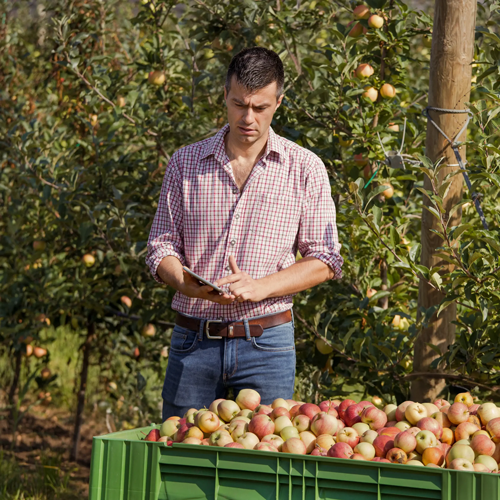
Build and share rosters in minutes with AgriSmart’s scheduling tools. Assign the right people at the right time and keep everyone updated instantly through the mobile app. Staff see shifts as soon as they are published, reducing confusion and last-minute calls. Approved changes flow into timesheets and payroll, keeping your team clear, records accurate, and compliant.
Need More Info?

Spray Diary
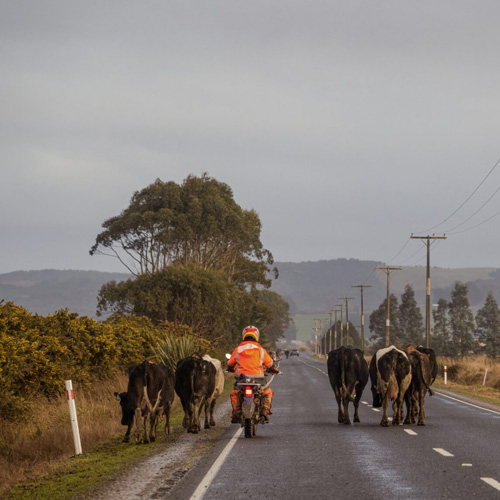
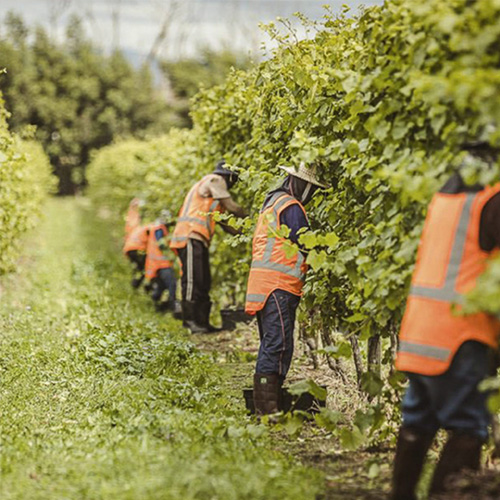
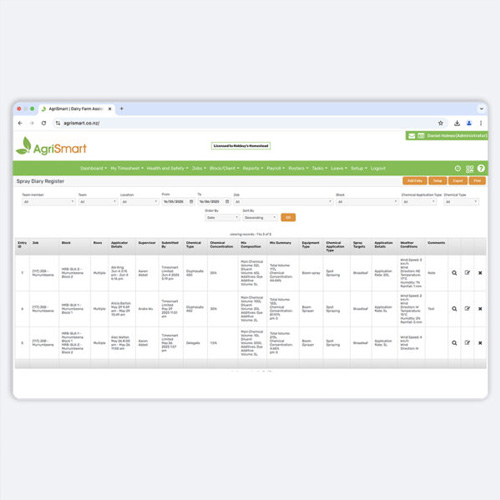
Designed for horticulture, our spray diary makes it easy to log chemical applications, including sprays, fertigation, and dry treatments. Record details once, stay audit-ready, and meet compliance standards with less admin. The system keeps records accurate, centralised, and field-ready for reliable reporting.
Need More Info?
Equipment Register
Keep tools, vehicles and machinery organised in one digital system. Track photos, details, documents and servicing in structured asset profiles. Set automated maintenance reminders, store full histories and keep equipment compliant, safe and ready to work across every site.
Need More Info?